How to use KuJobs
Short videos of the everyday work, step by step. Each one is recorded from the real app.
Roles and permissions
Who can do what in the console, on WhatsApp and on the phone, for each role.
Getting started
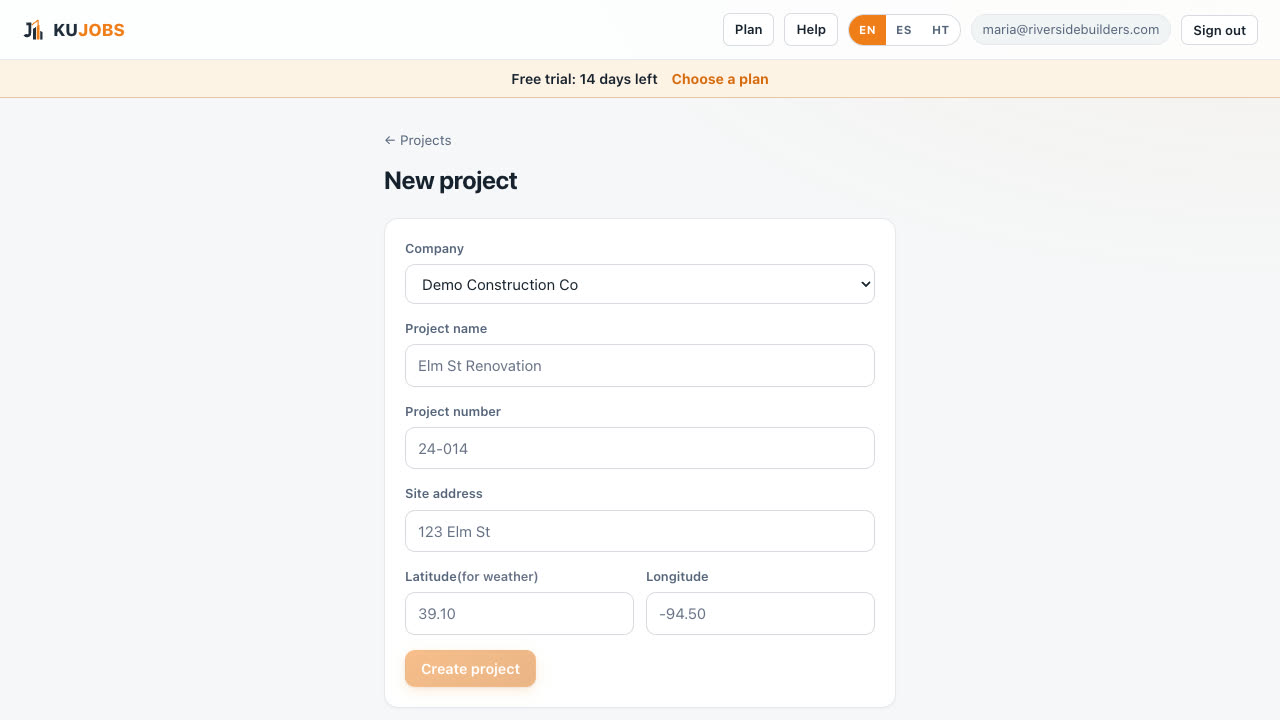
Start a project
Create a project under a new or existing company, with its site address.
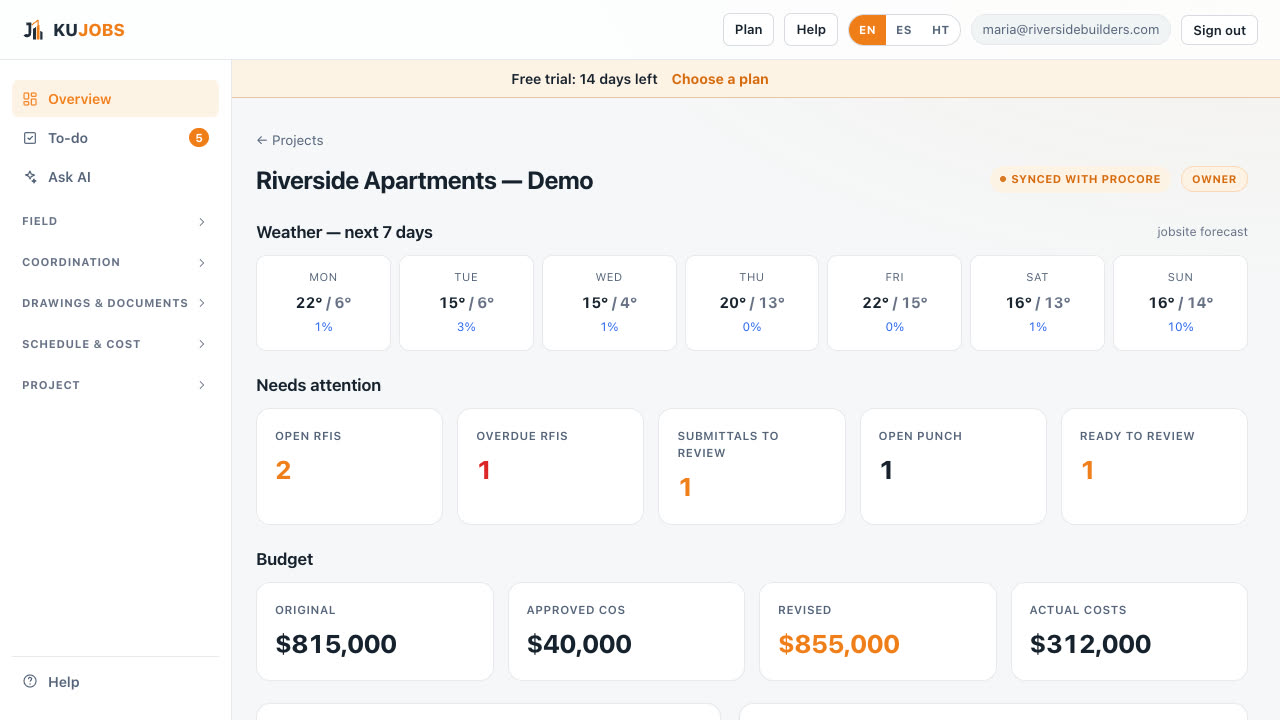
Read the overview
See what needs attention, the budget and today's crew on one page.
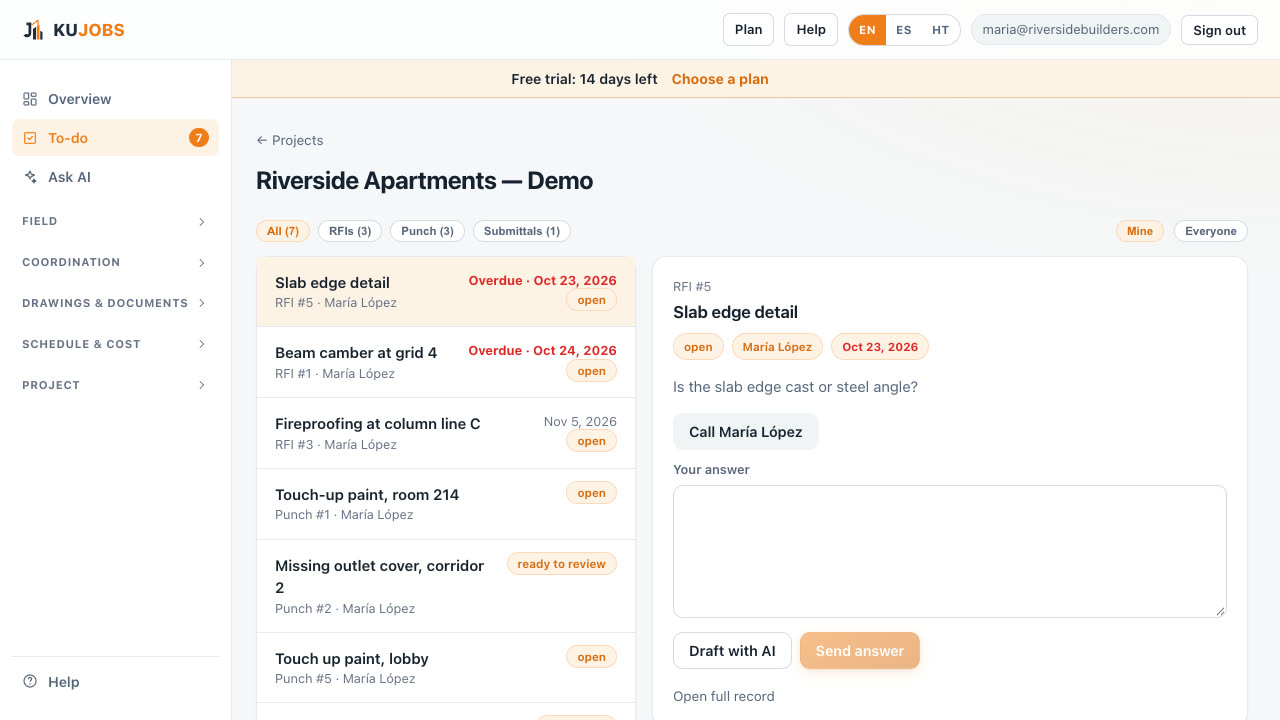
Work your to-do list
Everything waiting on you in one list: RFIs to answer, punch items to fix and submittals to review, overdue first.
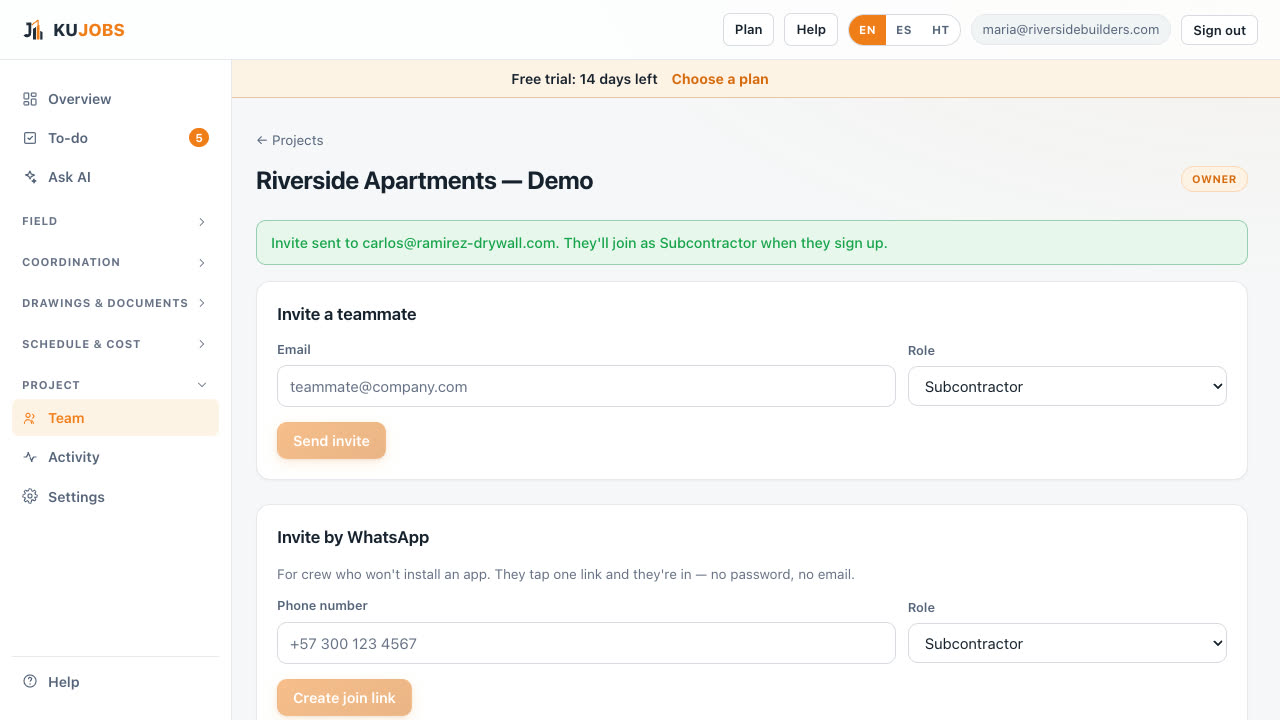
Invite your team
Invite a teammate by email with the role they have on this project.
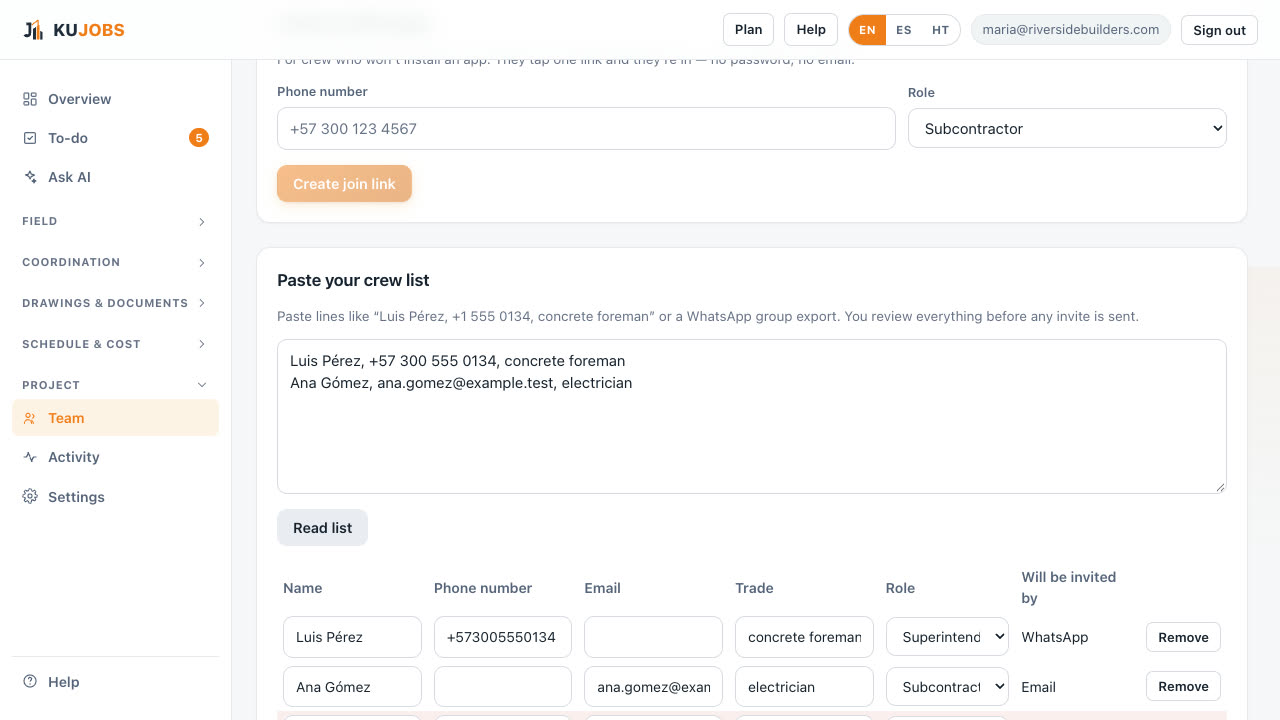
Invite a crew from a pasted list
Paste a crew list from a message or spreadsheet, check what KuJobs read, then send every invite at once.
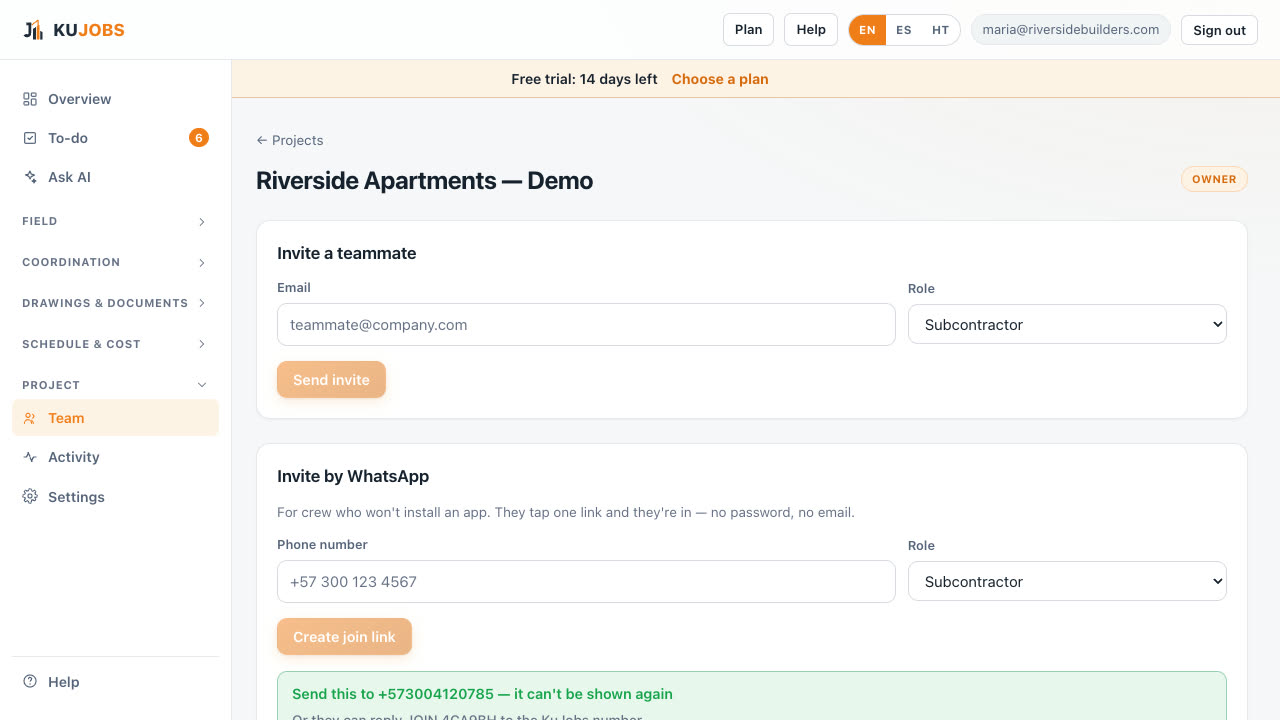
Report from WhatsApp
Field workers join with a code and report work by chatting with KuJobs on WhatsApp.
In the field
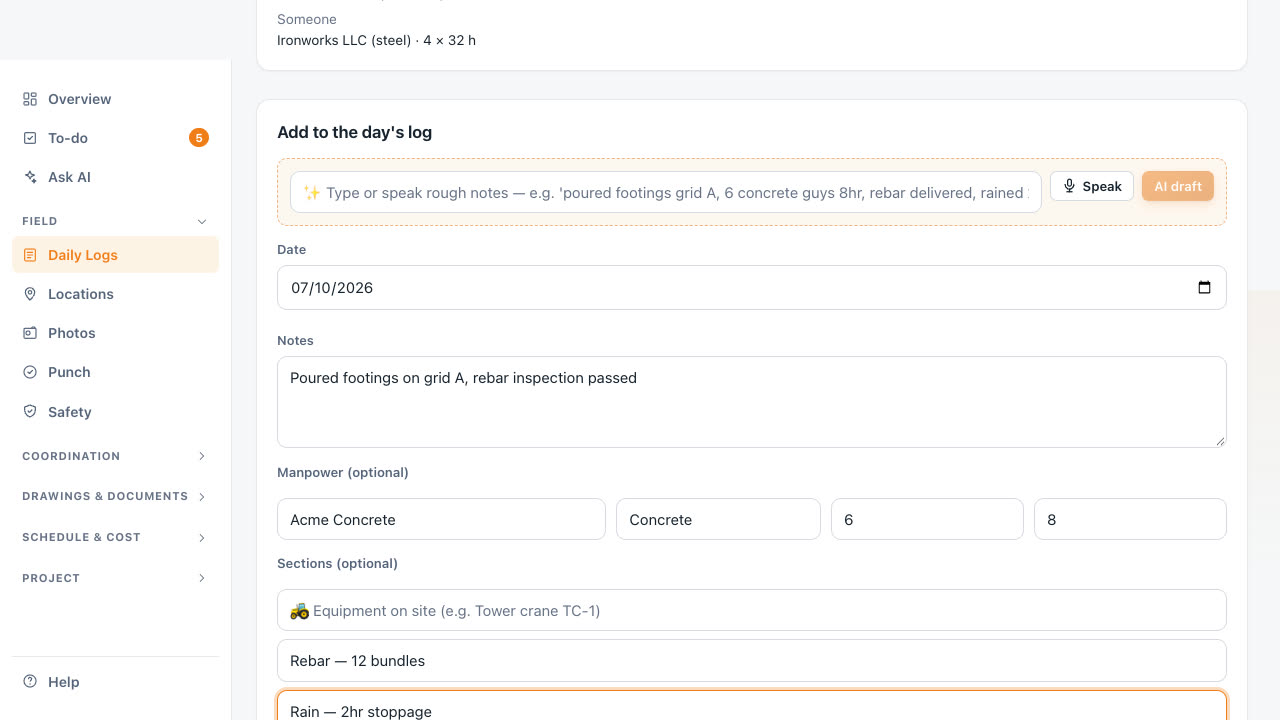
File the daily log
Record the day: crew and hours, deliveries, delays and notes.
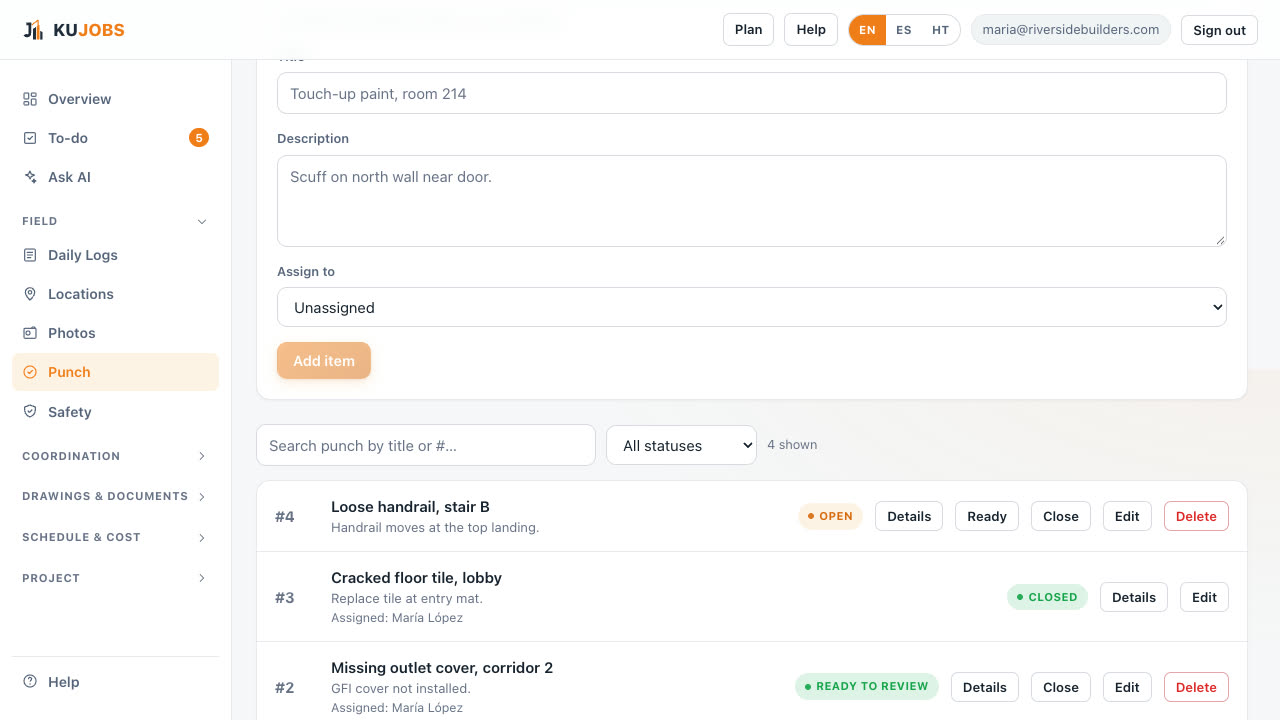
Run the punch list
Add an item with a photo, have the sub mark it ready, and close it.
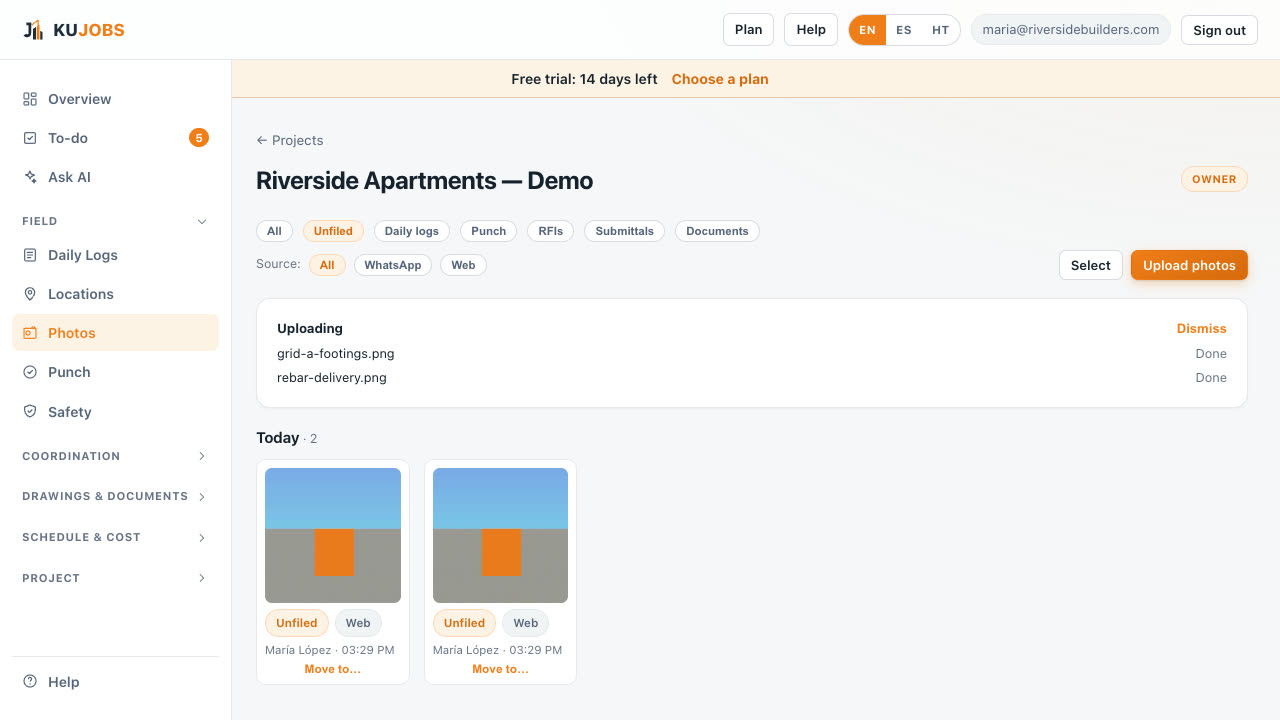
Upload and file photos
Upload site photos, then file one to the punch item it shows.
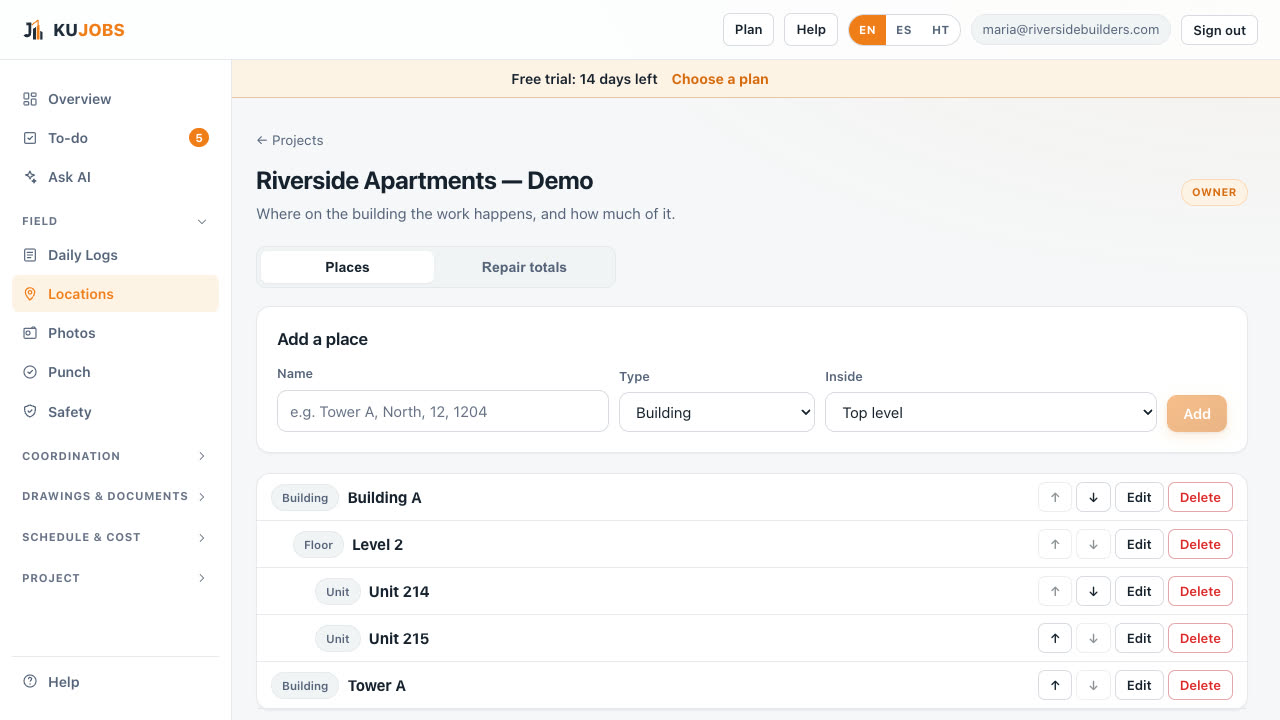
Track work by location
Set up buildings, floors and units, log repairs by naming the place, and see the totals for each one.
Office and approvals
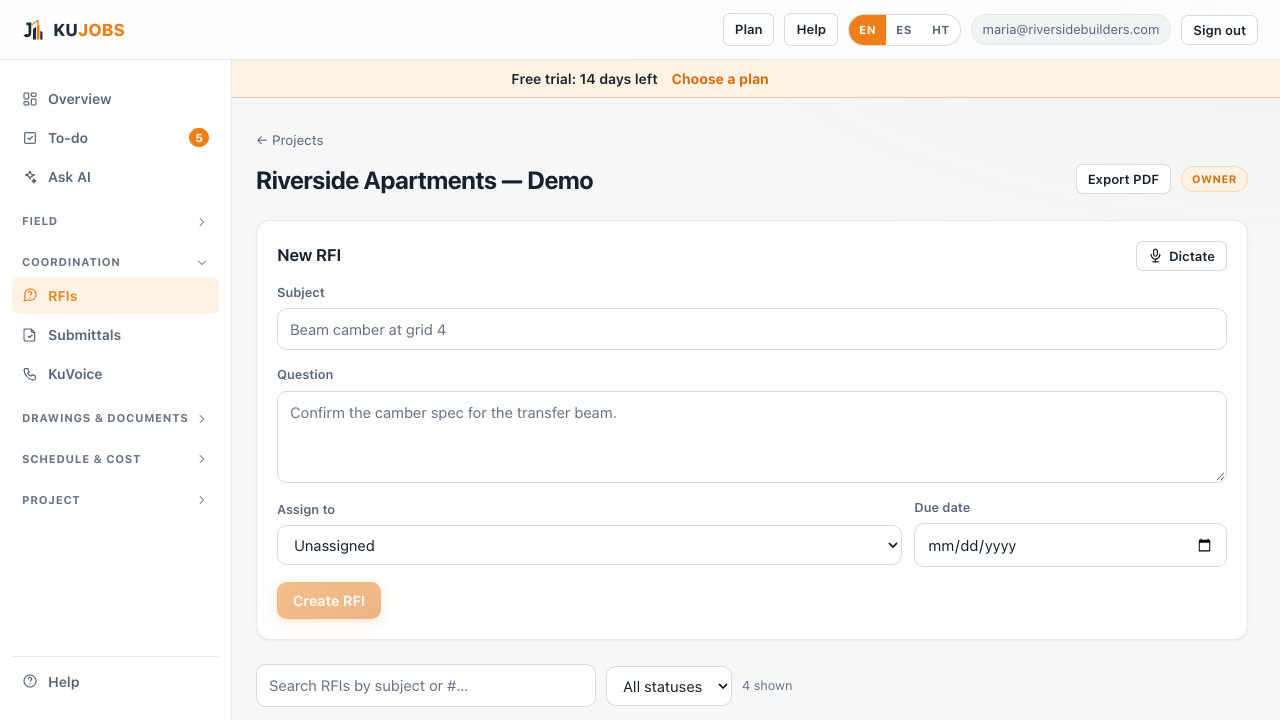
Ask and answer an RFI
Open a request for information, answer it, and close it.
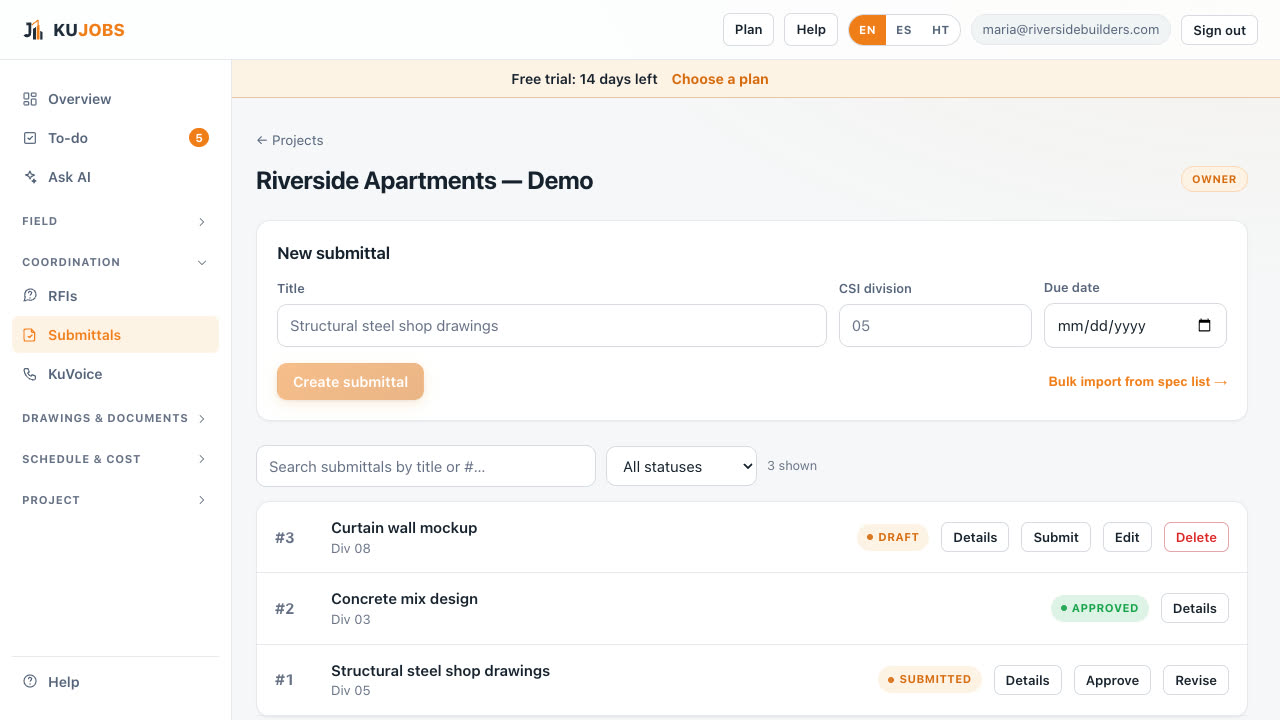
Review a submittal
Log a submittal, have the sub submit it, and approve it with a note.
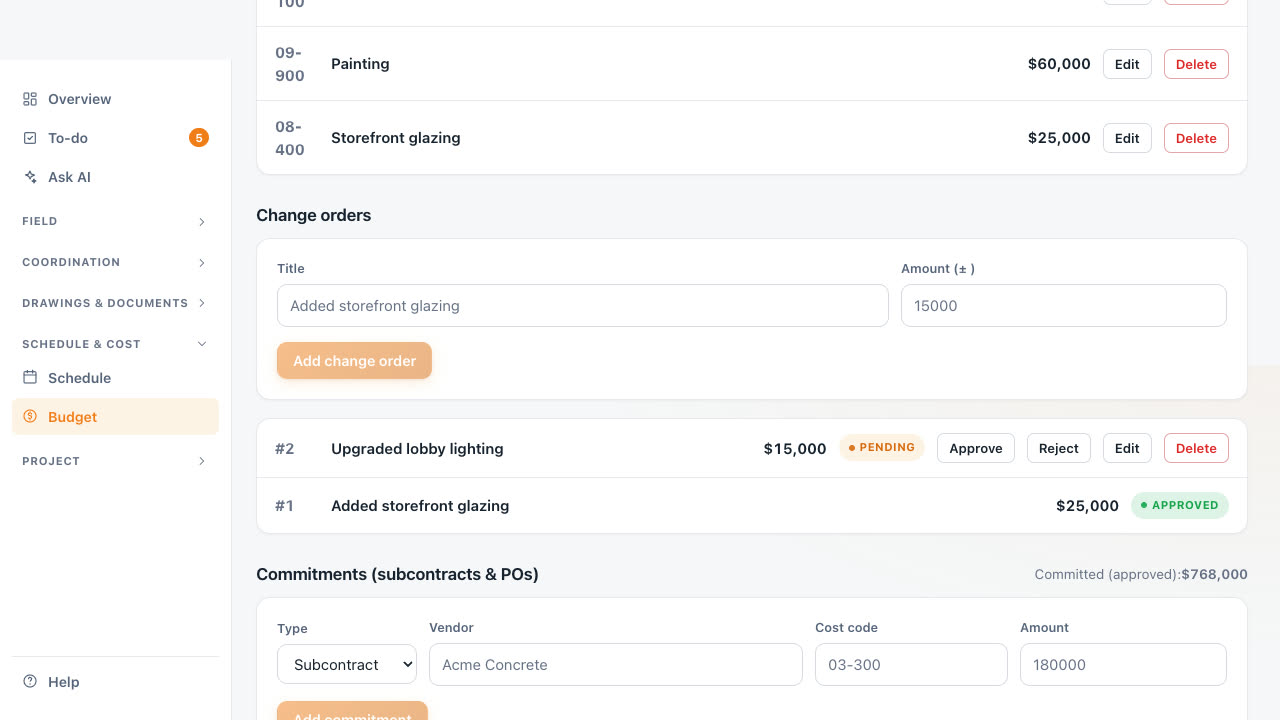
Approve a change order
Raise a change order on the budget and approve it.
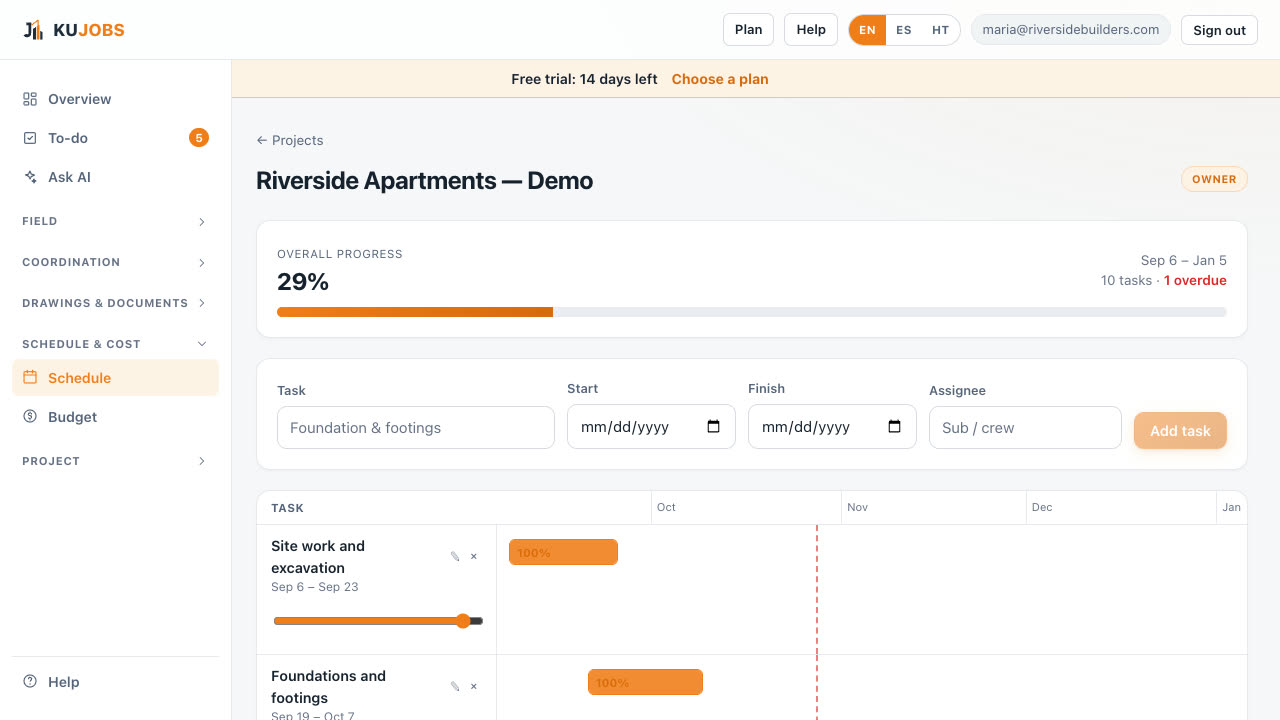
Keep the schedule
Add tasks with their dates and crew, and move each one's progress as work gets done.
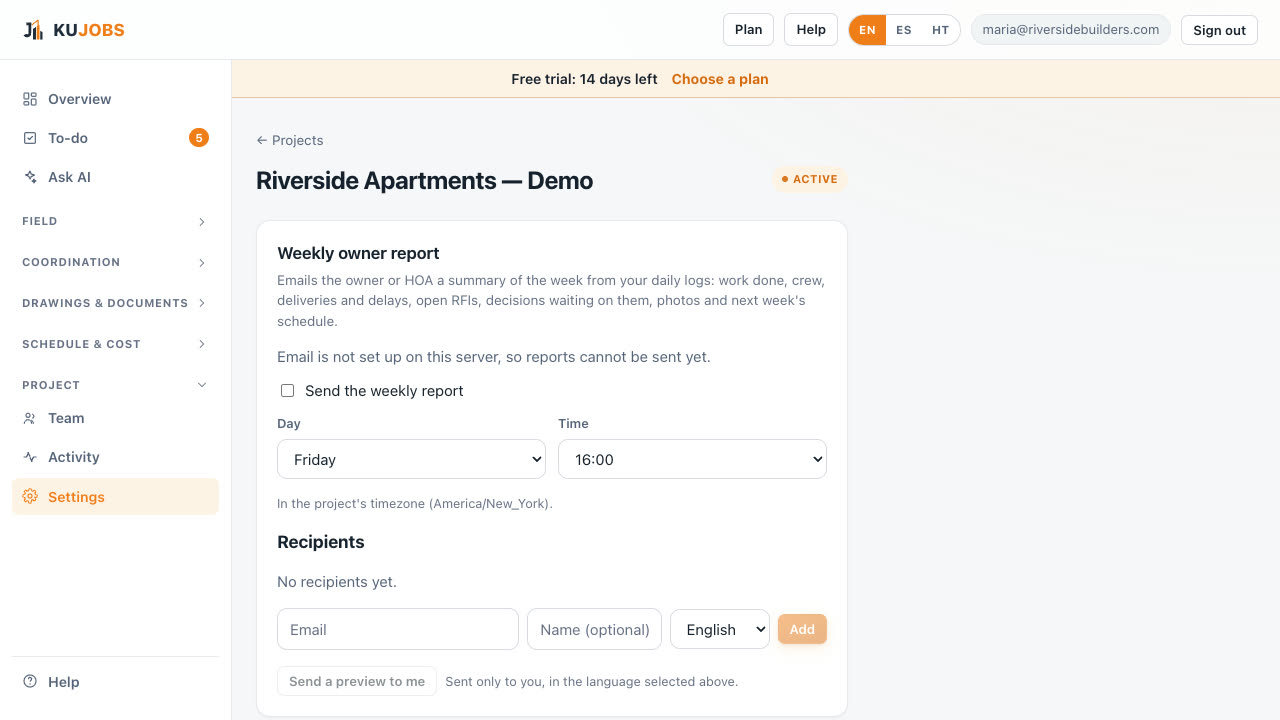
Send the weekly owner report
Turn on a weekly progress report for the owner, pick the day and hour, and choose who receives it.
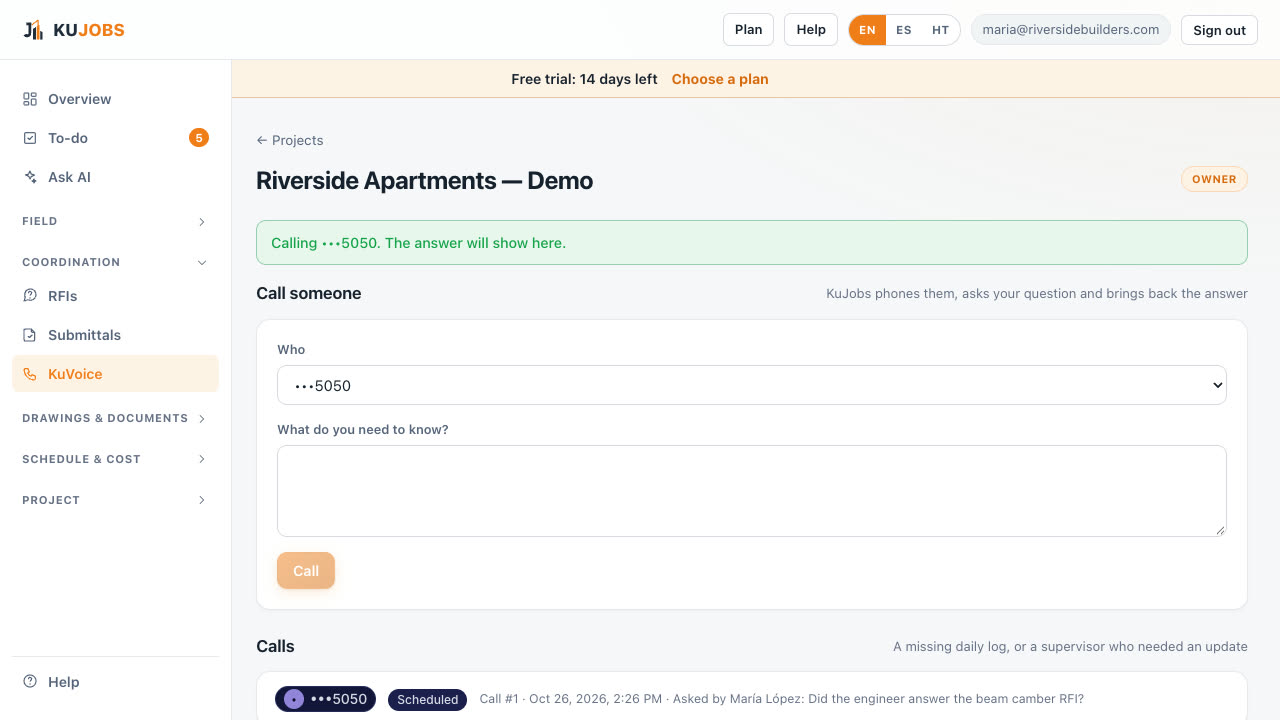
Follow up on calls
KuJobs phones the supervisors when the daily log is still missing, and anyone a supervisor needs an update from. Read each call here.
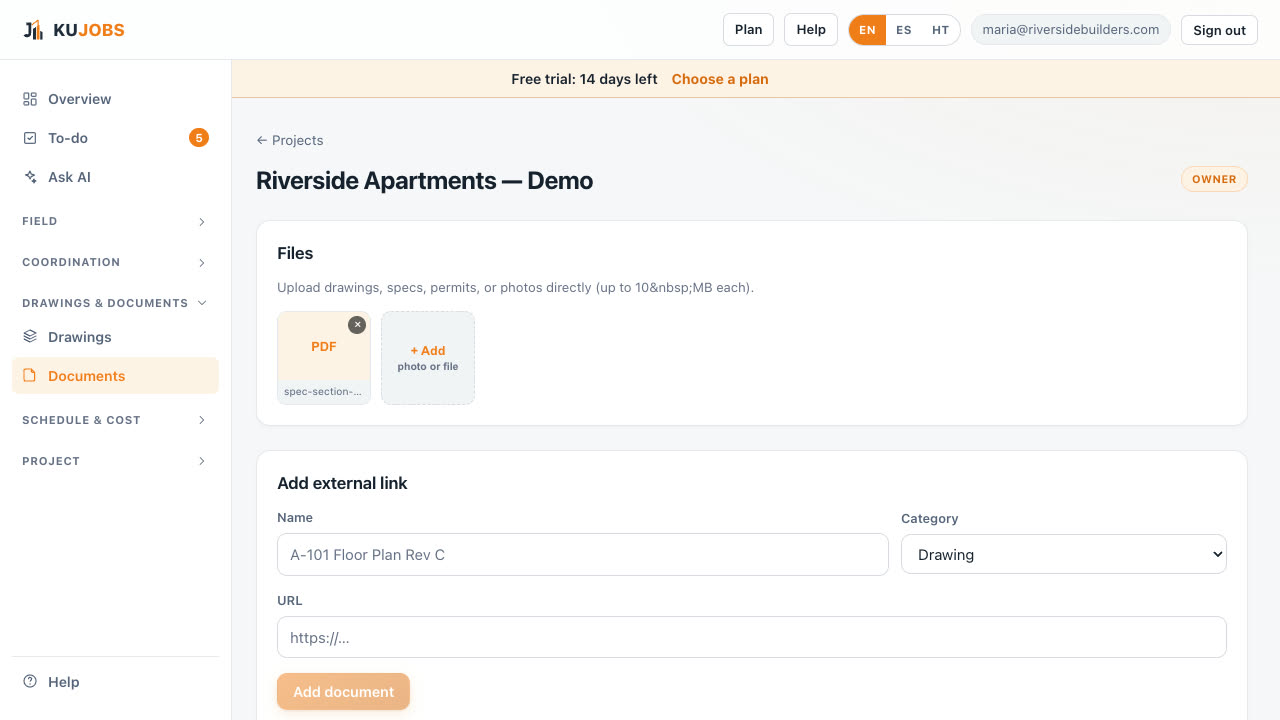
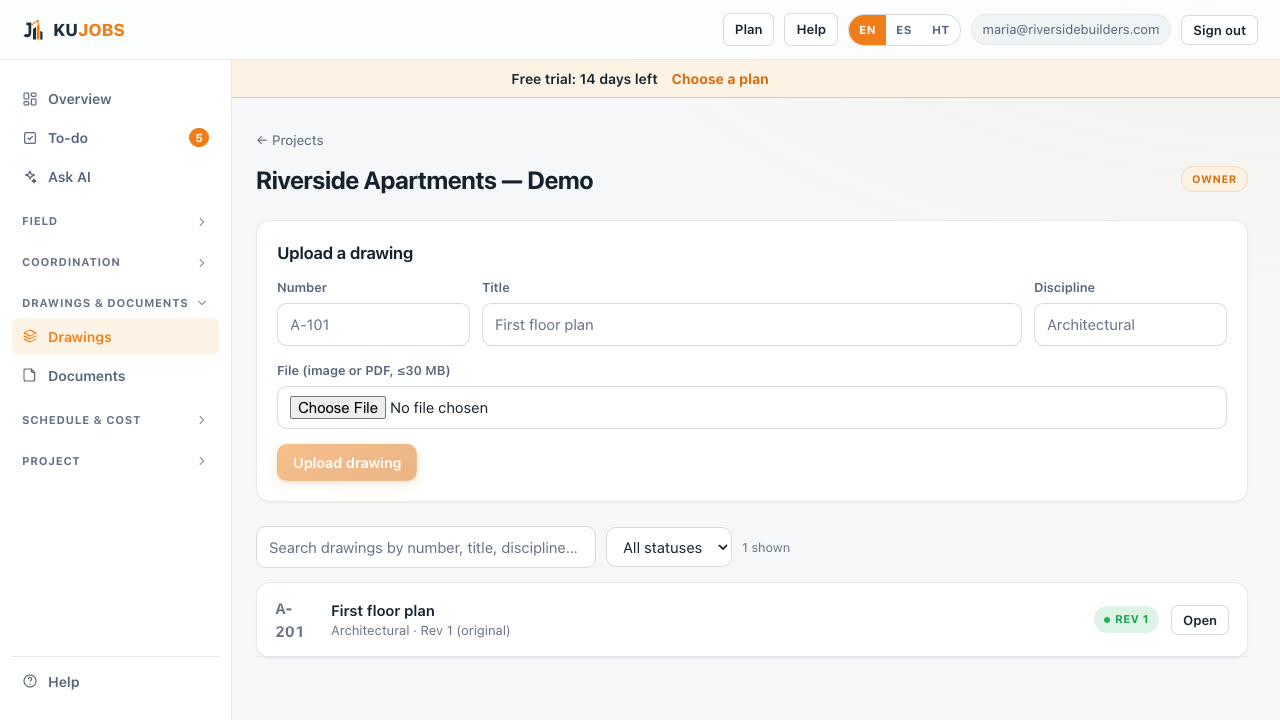
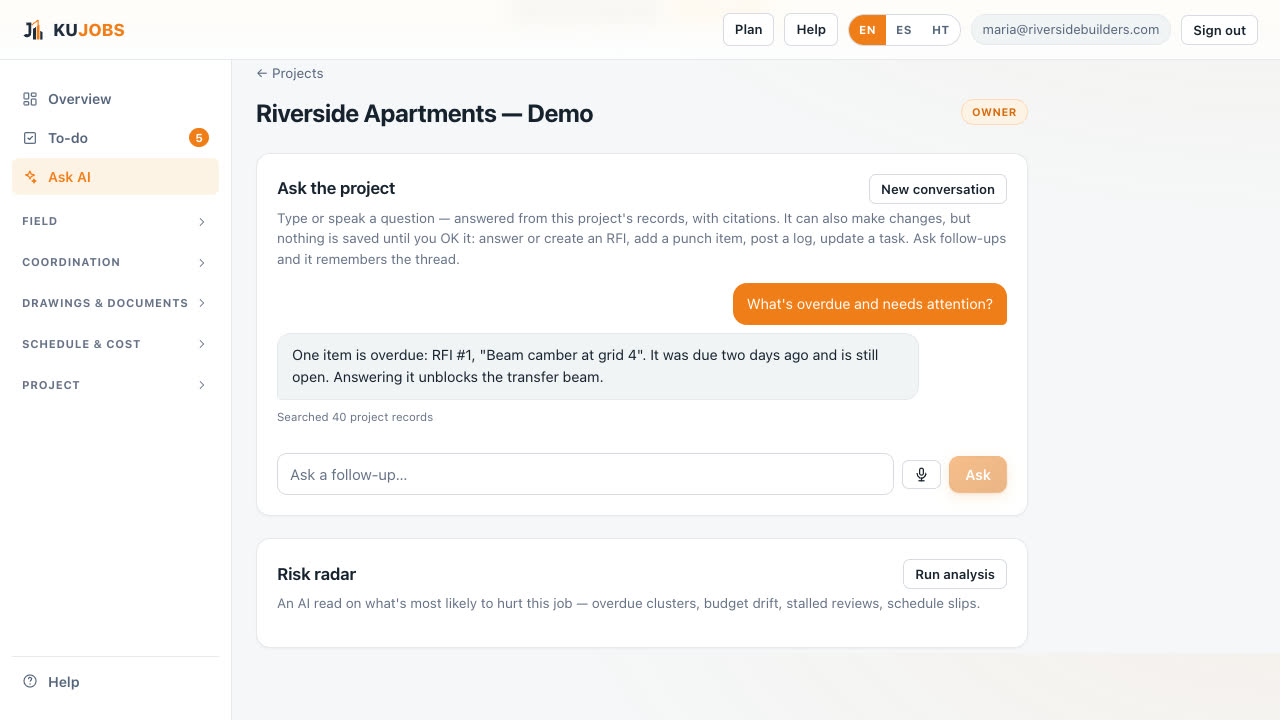
Files and AI
Project and account
See the activity
Every change to answers, approvals, costs and settings, with who made it and when.
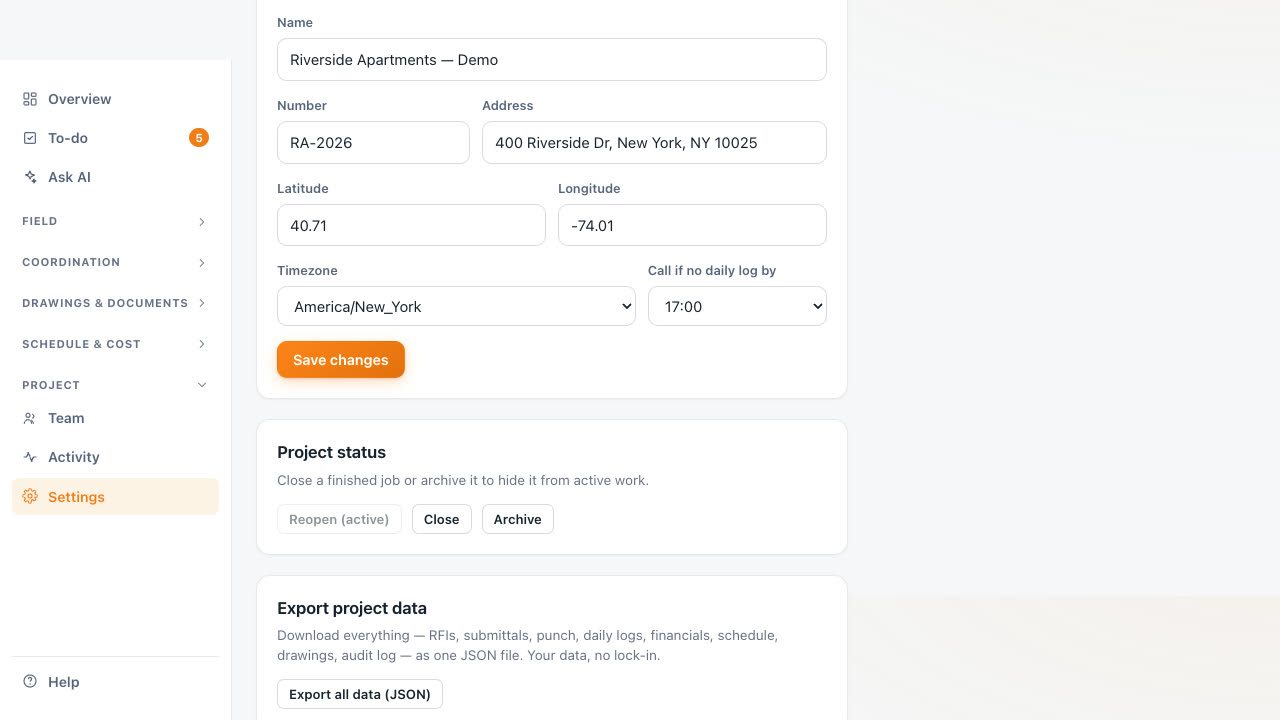
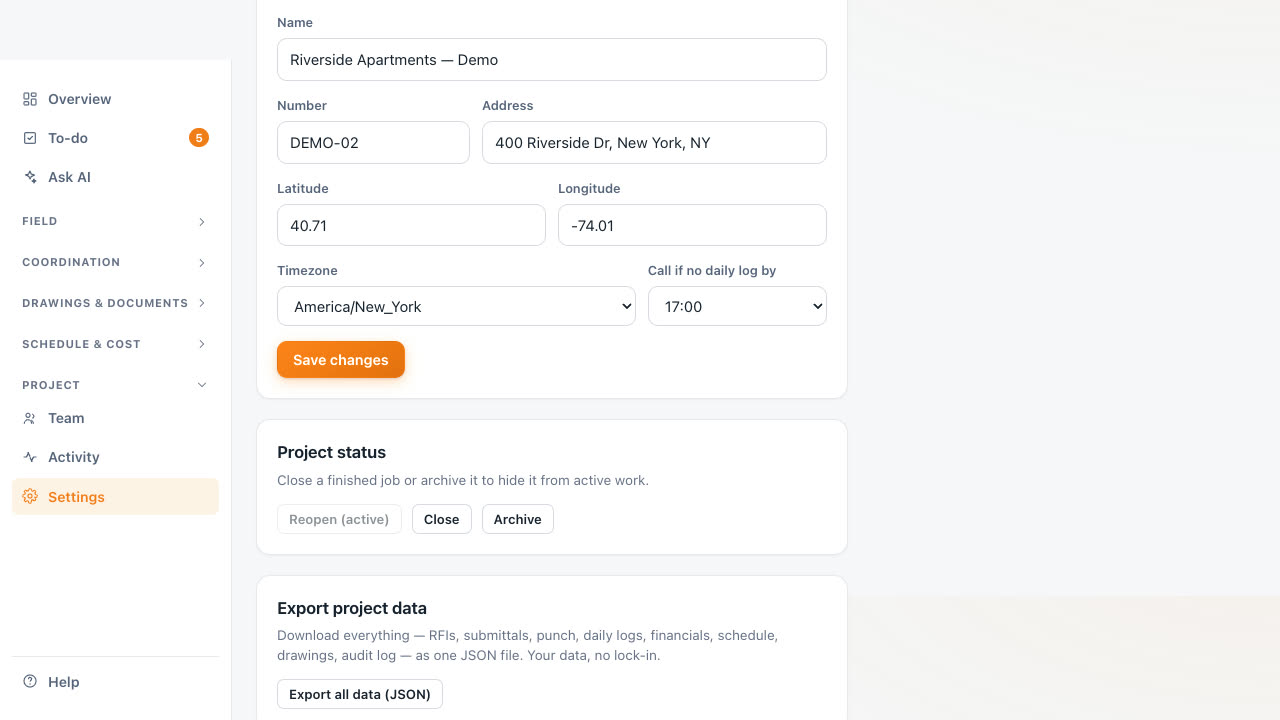
Change project settings
Edit the project's details, and close or archive it when the job is done.
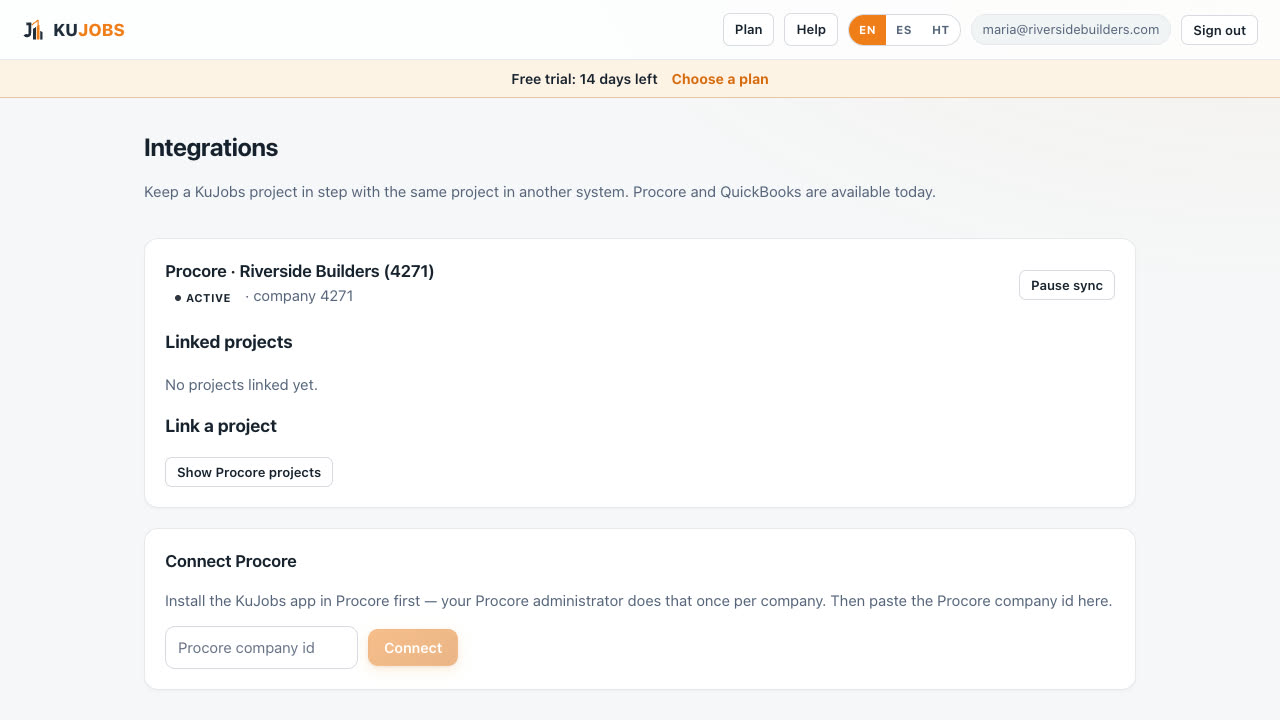
Connect Procore
Link a KuJobs project to the same project in Procore and keep them in step.
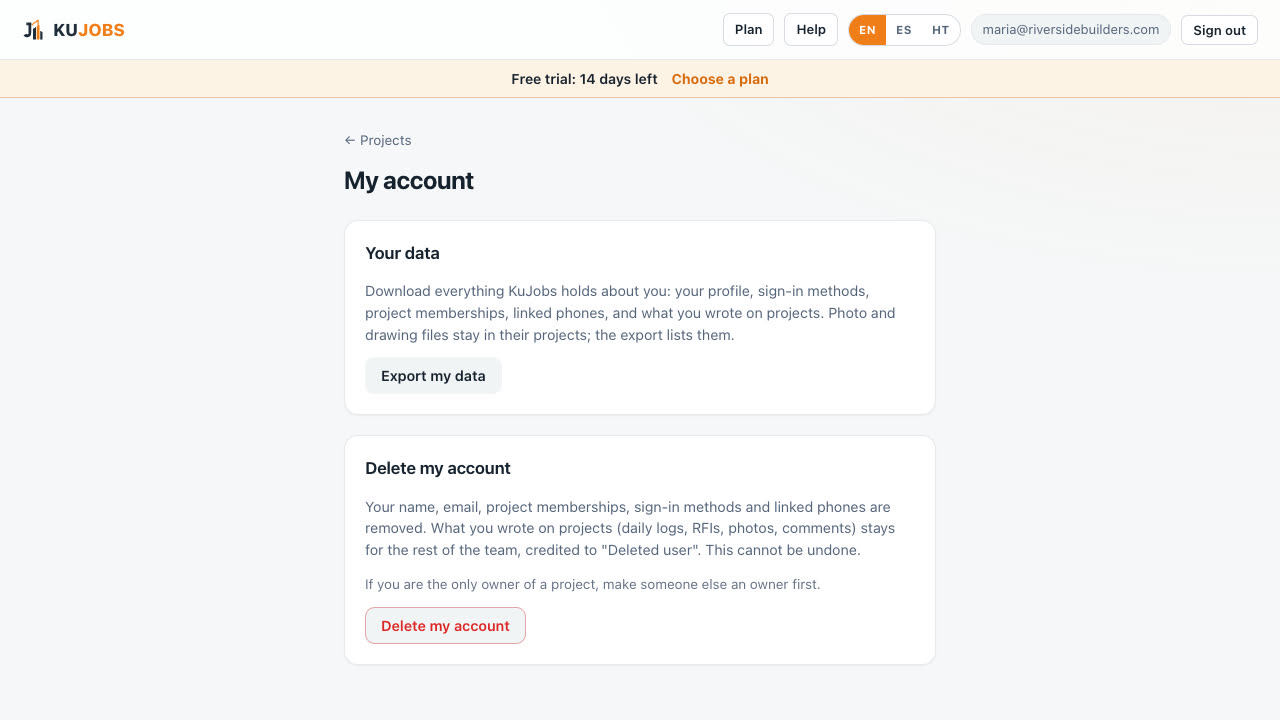
Your account and data
Download everything KuJobs holds about you, or delete your account.
Need help with something these pages don't cover? Write to us at [email protected]